Grounding references in multi-image prompts
Raw @-mentions sink to 71% identity on the densest multi-image prompts; a one-line rewrite holds 98% fleet-wide — what we learned running 50 scenarios across three providers.
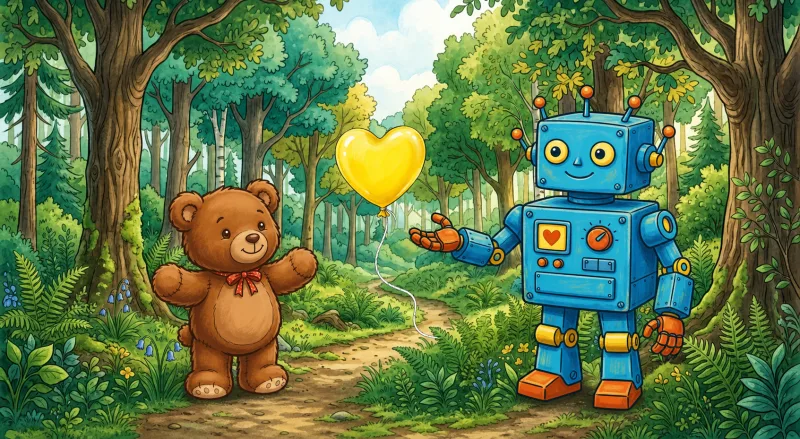
Multi-image generation pipelines all run into the same problem at some point. We hit it building Blooper, where users @-mention characters, settings, and props inside a single chat prompt — the system has to weave the names back into a single string and hope the model lines them up with the right images. With one or two refs, it does. With three or more, it stops: the character’s outfit ends up on the background, left and right swap, a fourth person walks in who wasn’t anywhere in the inputs.
Is that a model-capability ceiling or a prompt-shape problem? We ran a controlled test, and it was overwhelmingly the second.
The setup
50 scenarios, 1–5 reference images each (characters, settings, props), across three image providers: NANO_BANANA (Gemini’s image model), OPENAI_IMAGE (gpt-image-2), and FLUX2_MAX. To keep the test honest, every reference got a nonsense label — Pib, Tverg, Krell, Wamo, Suda. The label gives nothing away about appearance, and the order doesn’t either, so the only way the model can tie a name to a picture is through the attachment itself.
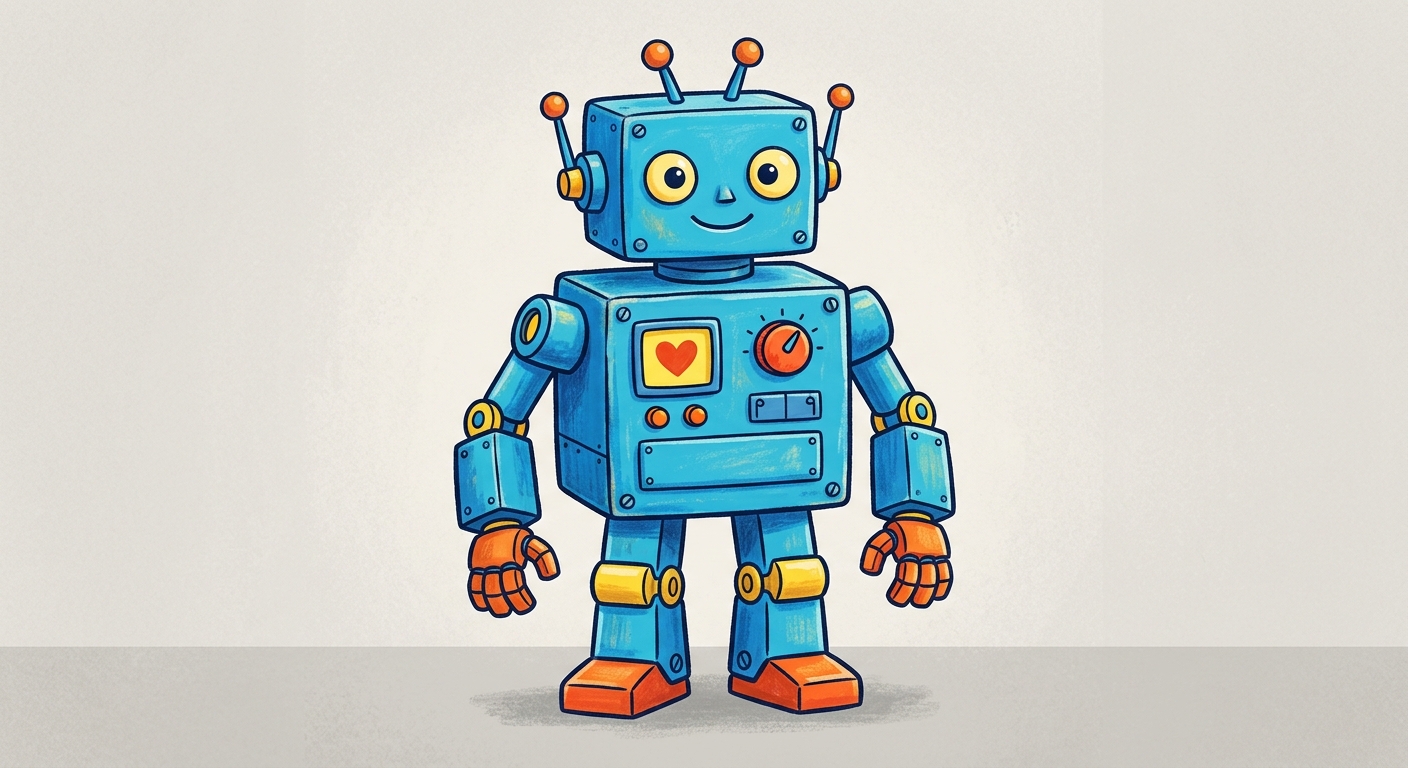
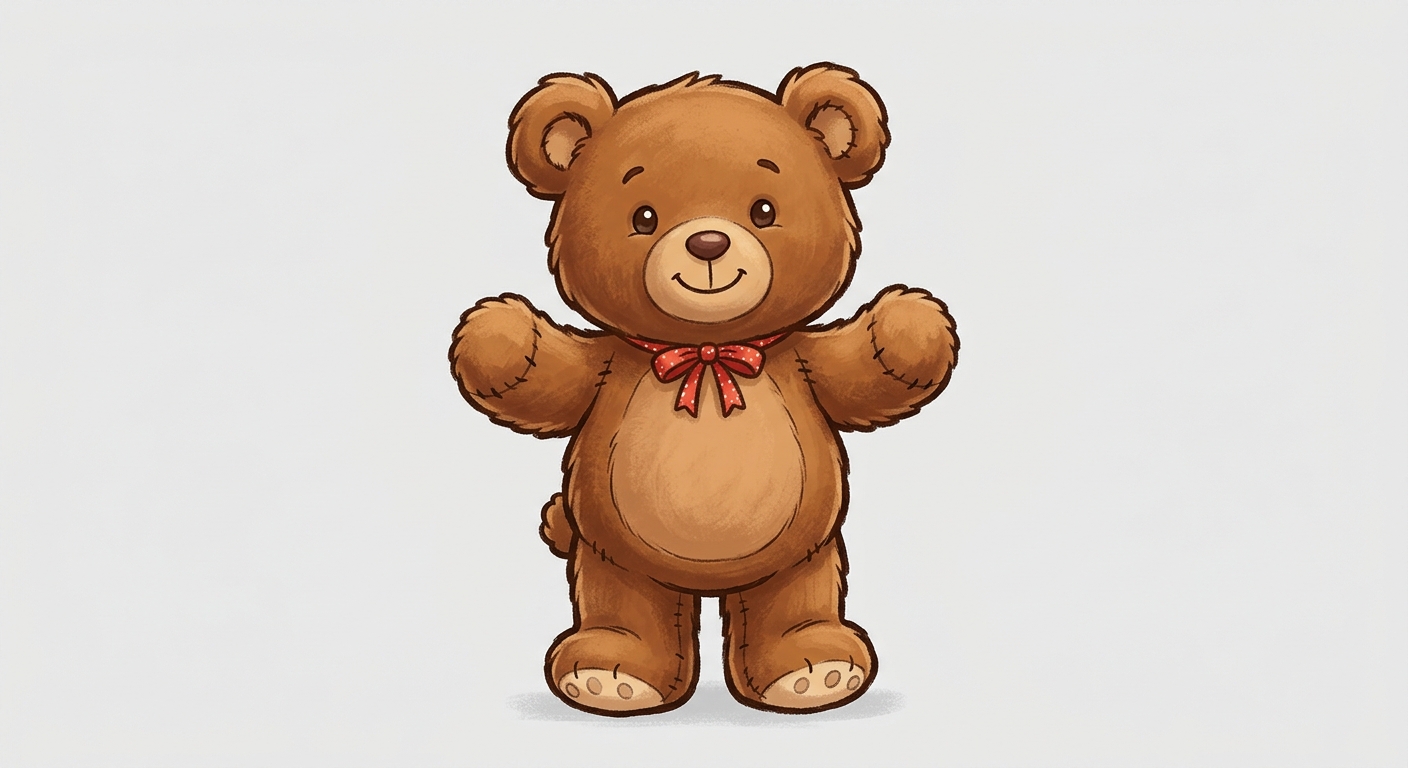
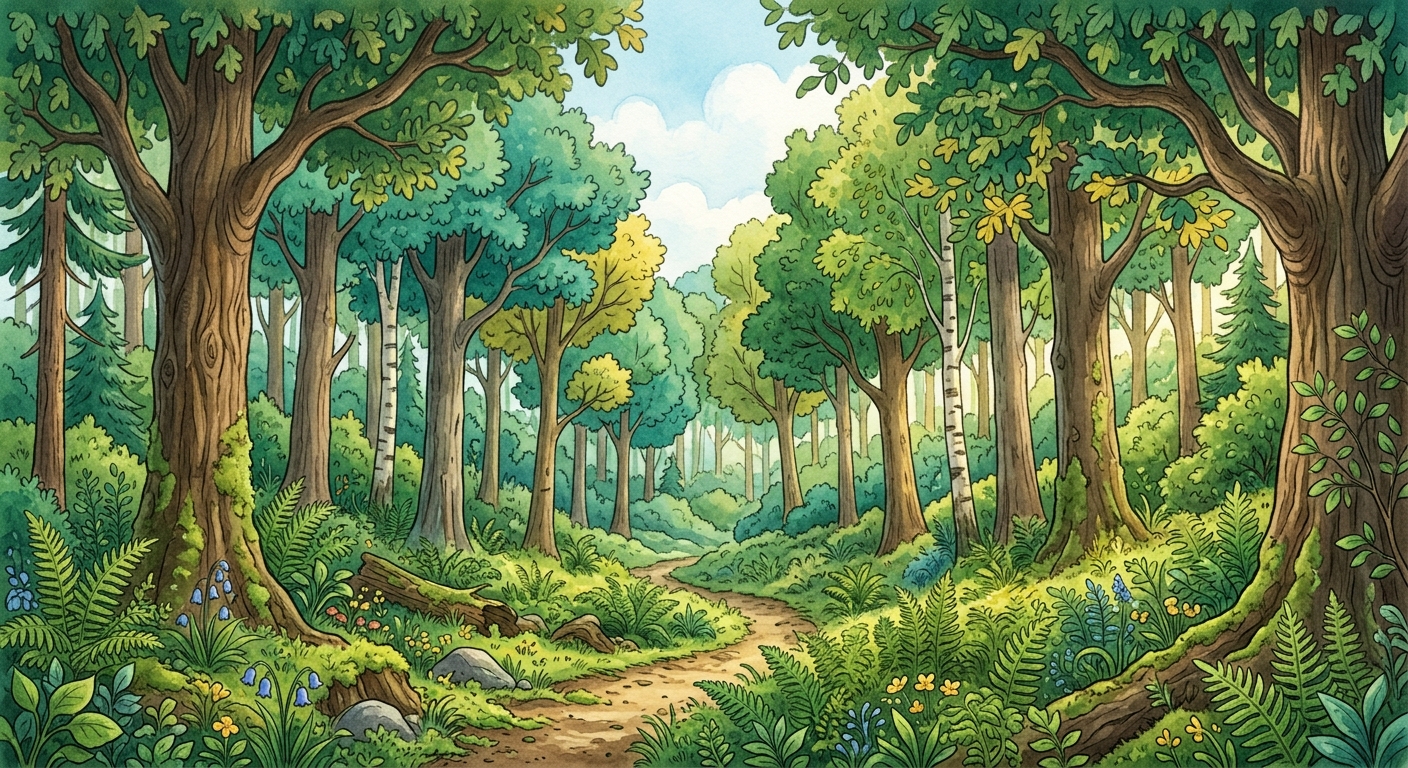

We compared four ways of writing the prompt:
| method | prompt shape |
|---|---|
V1 — raw @ | Draw @Tverg on the right, @Pib on the left, at @Suda. |
| V2 — strip | Draw Tverg on the right, Pib on the left, at Suda. |
| V3 — role + image N | Draw Tverg (the character in image 1) on the right, Pib (the character in image 2) on the left, at Suda (the setting in image 3). |
| V4 — multipart | Interleaved [Character — Tverg:] caption directly before each image, then the instruction. A structural change to the API request — only providers that natively read multipart prompts can use it (today: Gemini). |
A separate Gemini judge at temperature 0 scored each output on identity (the right things showing up) and positions (in the right places).
Headline numbers
| metric | V1 raw | V2 strip | V3 role+image | V4 multipart |
|---|---|---|---|---|
| Identity | 86% | 90% | 98% | 100% |
| Identity + positions | 66% | 68% | 78% | 100% |
Each comparison tile below carries the judge’s pass marks: P = characters, S = setting, O = objects/props, ⇆ = positions. ✓ = pass, ✗ = fail. A dash — means the dimension isn’t applicable to that scenario.
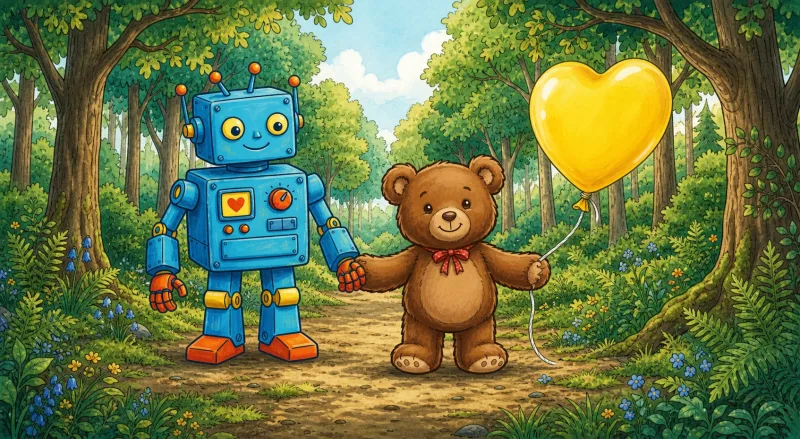
OPENAI
P✓ O✓ ⇆✗prompt sentDraw
@Pib on the right, @Krell on the left, at @Fendle, with @Quib.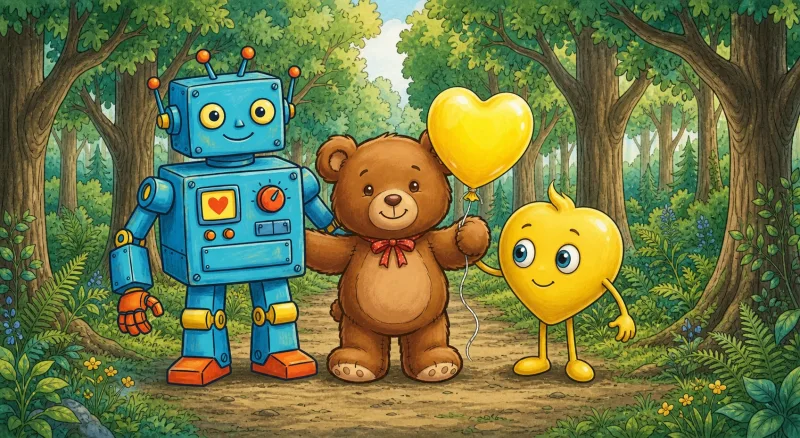
OPENAI
P✓ O✗ ⇆✗prompt sentDraw Pib on the right, Krell on the left, at Fendle, with Quib.
OPENAI
P✓ O✓ ⇆✓prompt sentDraw Pib (the character in image 1) on the right, Krell (the character in image 2) on the left, at Fendle (the setting in image 3), with Quib (the object in image 4). Use each reference image for the thing it depicts; keep each one’s exact appearance.
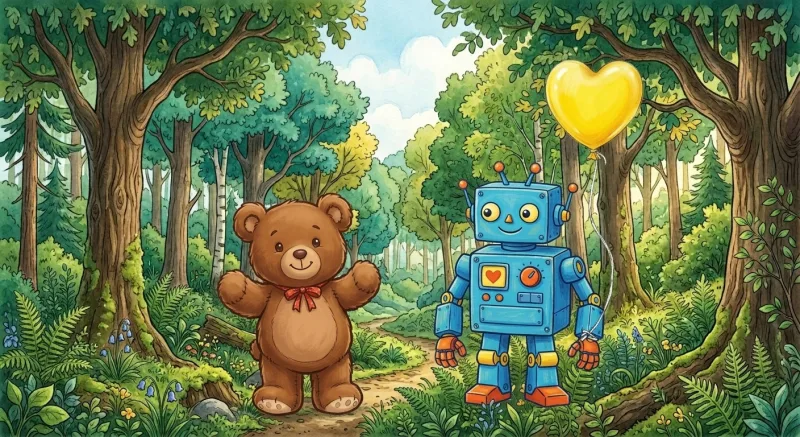
Gemini multipart
P✓ O✓ ⇆✓multipart request[Character — Pib:] [img] [Character — Krell:] [img] [Setting — Fendle:] [img] [Object — Quib:] [img] ⟶ Draw Pib on the right, Krell on the left, at Fendle, with Quib. Keep each one’s exact appearance; do not add extra characters.
@ sinks to 71% identity on the densest five-reference prompts. A single phrase — “(the character in image N)” — holds the fleet at 98%, with no model change, no fine-tune, no architecture trick.What surprised us
Stripping the @ isn’t a free win. On NANO_BANANA, raw @Tverg scored 100% on identity; bare Tverg dropped to 82%. On FLUX2_MAX, the opposite — raw was 75%, bare jumped to 100%. Same prompt change, opposite reactions from two different providers. V3 stops the argument: every provider lands at 94–100%.
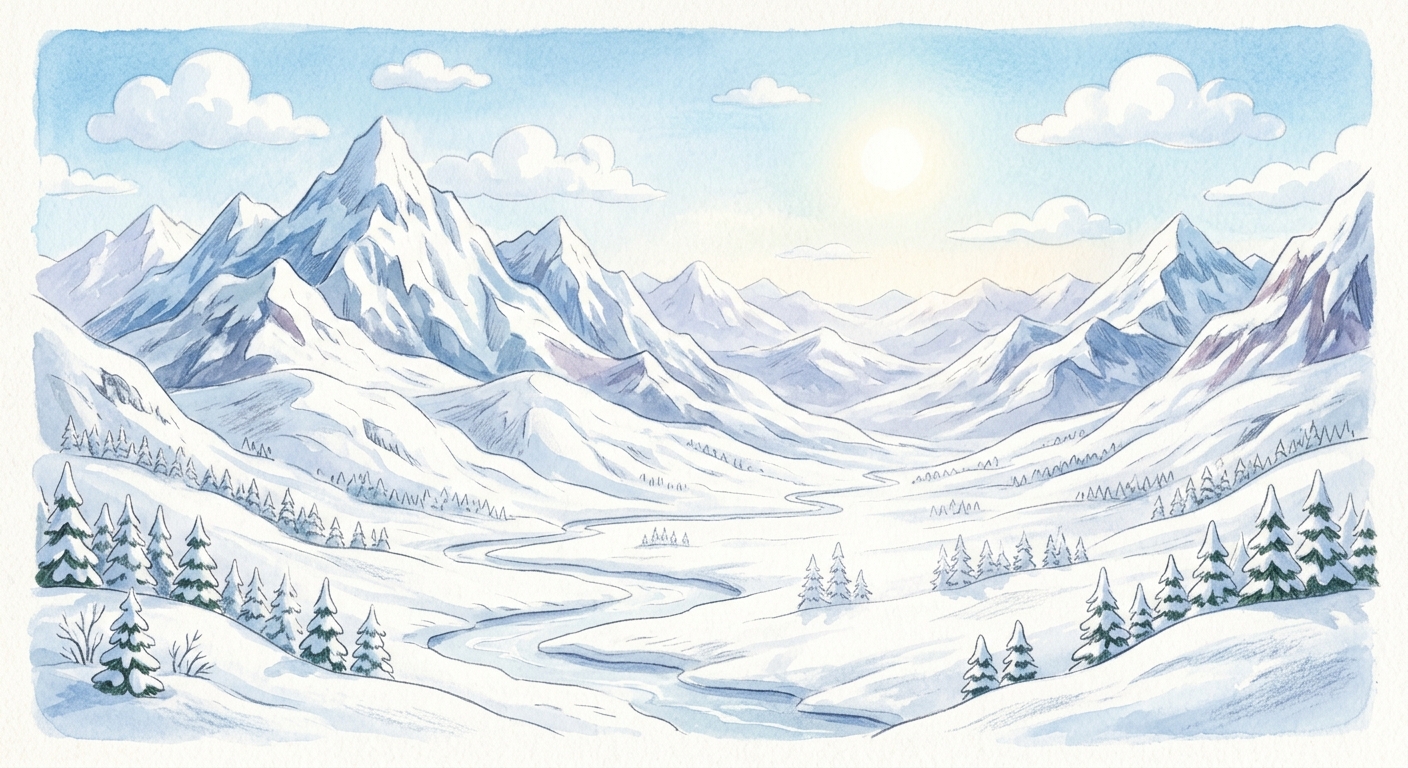
NANO_BANANA
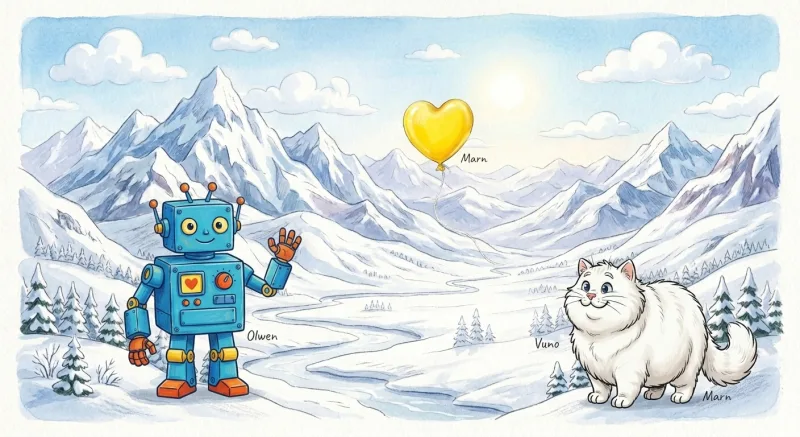
P✓ O✓ ⇆✓prompt sentDraw
@Vuno on the right, @Olwen on the left, at @Pib, with @Marn.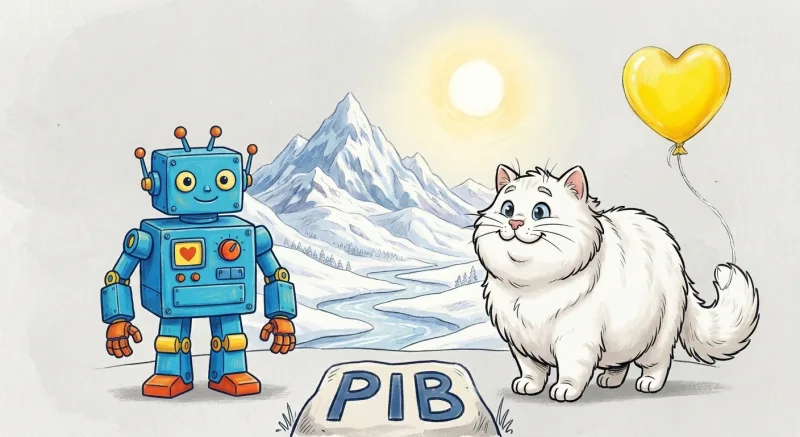
NANO_BANANA
P✓ O✓ ⇆✓prompt sentDraw Vuno on the right, Olwen on the left, at Pib, with Marn.
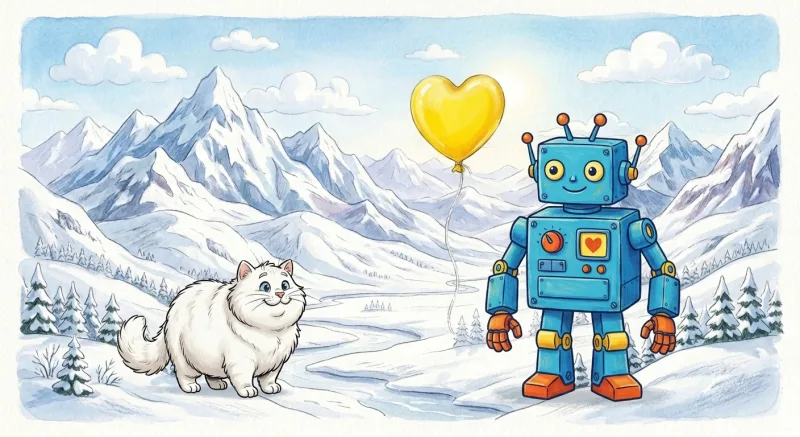
NANO_BANANA
P✓ O✓ ⇆✗prompt sentDraw Vuno (the character in image 1) on the right, Olwen (the character in image 2) on the left, at Pib (the setting in image 3), with Marn (the object in image 4). Use each reference image for the thing it depicts; keep each one’s exact appearance.
Gemini multipart
P✓ O✓ ⇆✓multipart request[Character — Vuno:] [img] [Character — Olwen:] [img] [Setting — Pib:] [img] [Object — Marn:] [img] ⟶ Draw Vuno on the right, Olwen on the left, at Pib, with Marn. Keep each one’s exact appearance; do not add extra characters.
The breakage is multi-reference — and it gets worse the more refs you add. With one or two references, every method scored 100%; nothing needs fixing. The gap opens at three refs and keeps widening through five:
| refs (scenarios) | V1 raw @ | V2 strip | V3 role+image | V4 multipart |
|---|---|---|---|---|
| 1–2 (10) | 100% | 100% | 100% | 100% |
| 3 (11) | 82% | 91% | 100% | 100% |
| 4 (22) | 86% | 86% | 100% | 100% |
| 5 (7) | 71% | 86% | 86% | 100% |
That 71% is the floor: raw @ on a five-reference prompt (5 of 7 scenarios passed). The rewrite is a clean fix at three and four refs — straight to 100% — but at five it only claws back to 86%, no better than bare labels. V3 narrows the gap everywhere; it doesn’t close it on the densest prompts. Only V4’s multipart structure holds 100% all the way to five refs — and that’s Gemini-only. Single-character prompts don’t need any of this. Five-reference ensembles are where the method earns its keep, and where it still has the most headroom.
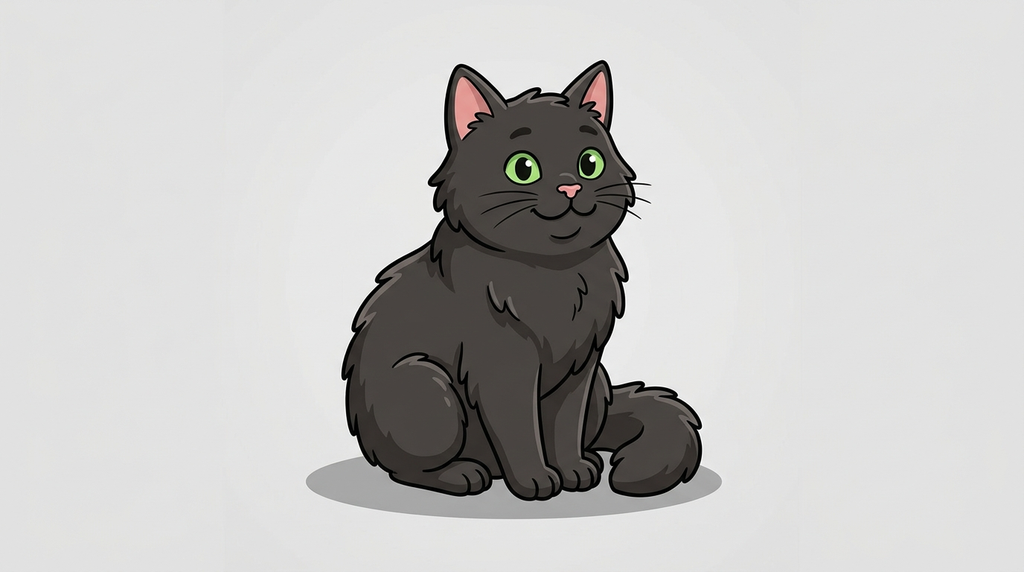
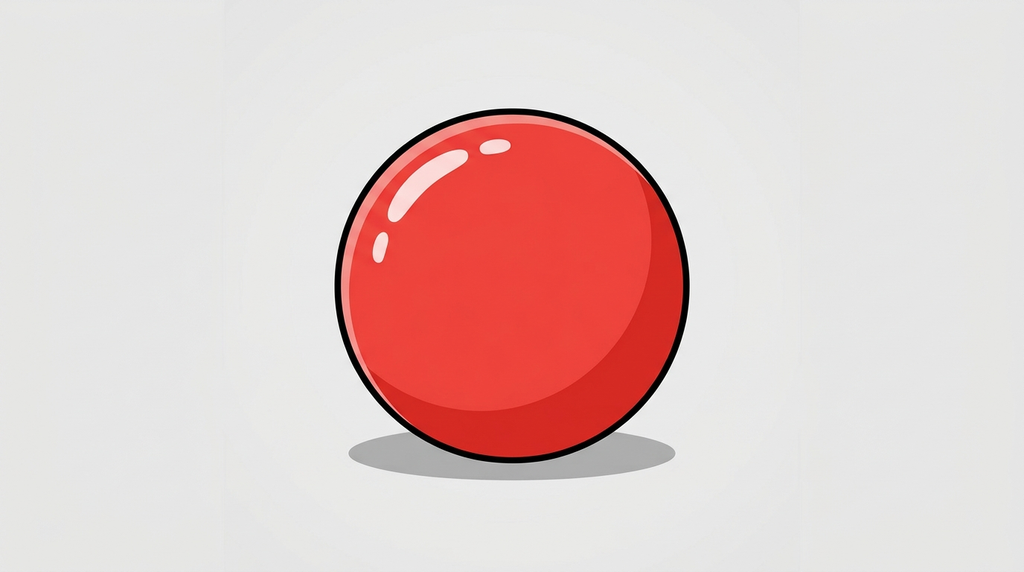
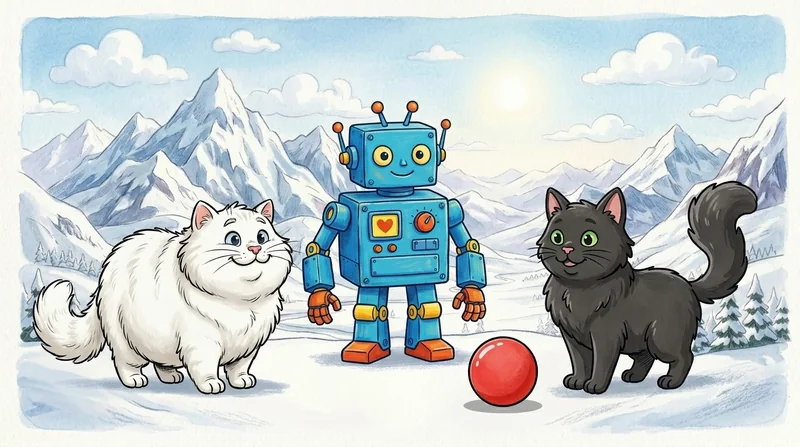
One stress test, three providers. A five-reference prompt — three characters, a setting, and a prop — pushed through all four phrasings on each provider (V1–V3 on the provider itself, V4 on Gemini). Watch how differently each one breaks.
NANO_BANANA
P✓ S✓ O✓ ⇆✓prompt sentDraw
@Tverg on the right, @Bompf on the center, @Drovo on the left, at @Wamo, with @Dalpo.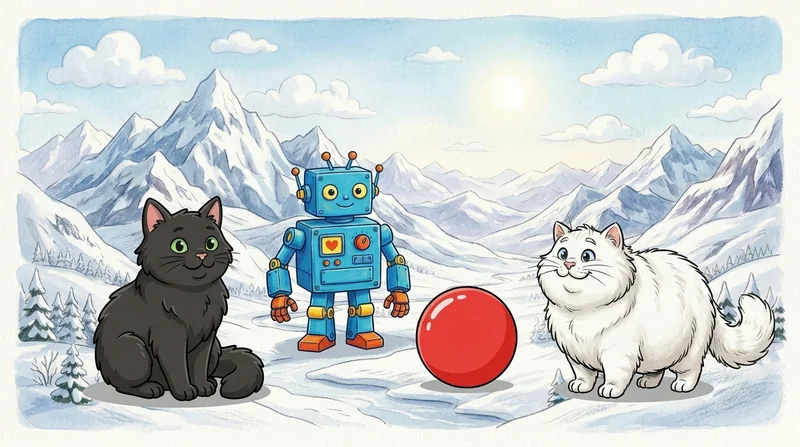
NANO_BANANA
P✓ S✓ O✓ ⇆✗prompt sentDraw Tverg on the right, Bompf on the center, Drovo on the left, at Wamo, with Dalpo.
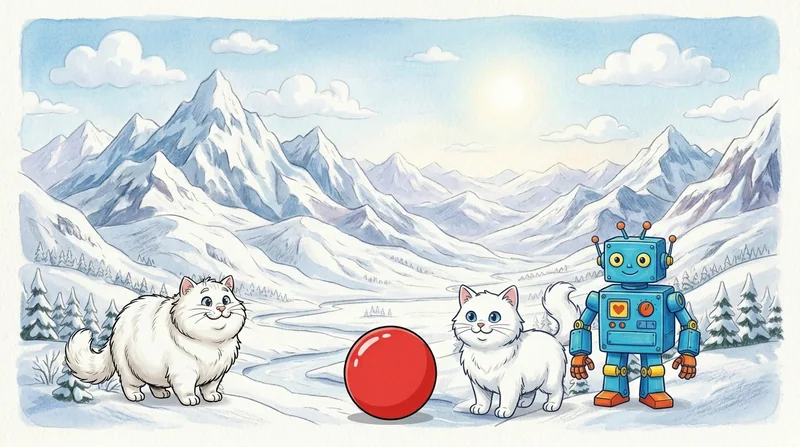
NANO_BANANA
P✗ S✓ O✓ ⇆✗prompt sentDraw Tverg (the character in image 1) on the right, Bompf (the character in image 2) on the center, Drovo (the character in image 3) on the left, at Wamo (the setting in image 4), with Dalpo (the object in image 5). Use each reference image for the thing it depicts; keep each one’s exact appearance.
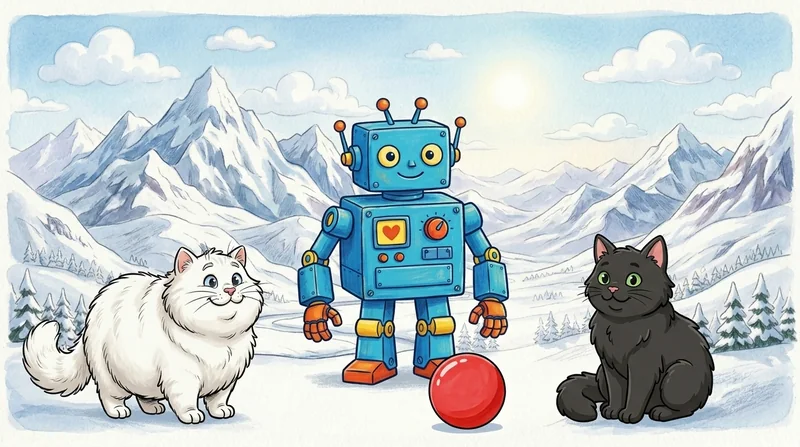
Gemini multipart
P✓ S✓ O✓ ⇆✓multipart request[Character — Tverg:] [img] [Character — Bompf:] [img] [Character — Drovo:] [img] [Setting — Wamo:] [img] [Object — Dalpo:] [img] ⟶ Draw Tverg on the right, Bompf on the center, Drovo on the left, at Wamo, with Dalpo. Keep each one’s exact appearance; do not add extra characters.
@ averaged 71% identity at five refs and V3 just 86% — the ceiling this scenario shows up close.
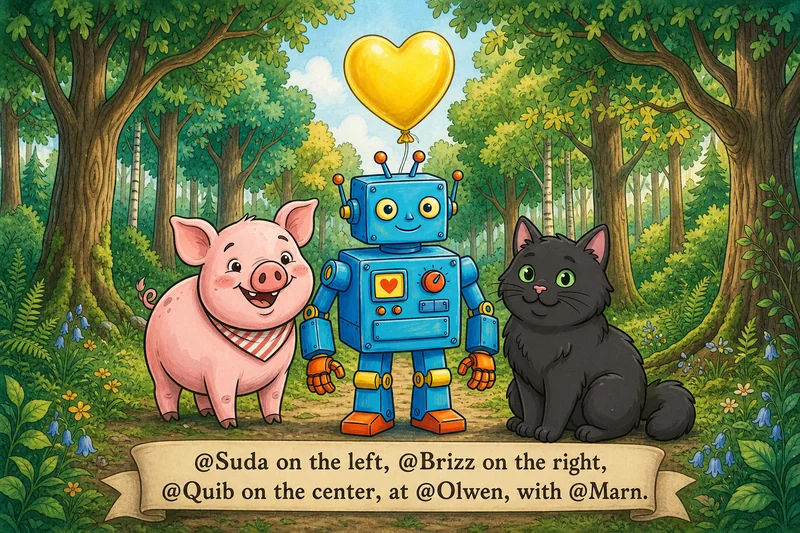
OPENAI
P✓ S✓ O✓ ⇆✓prompt sentDraw
@Suda on the left, @Brizz on the right, @Quib on the center, at @Olwen, with @Marn.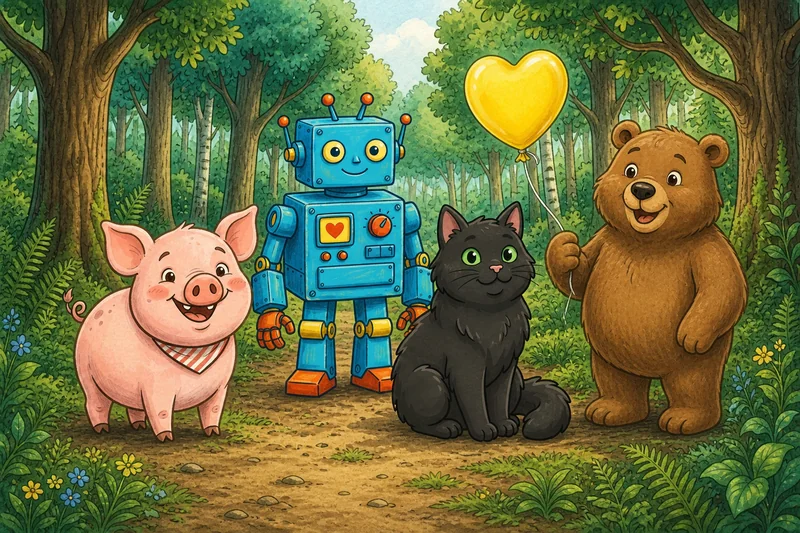
OPENAI
P✗ S✓ O✓ ⇆✗prompt sentDraw Suda on the left, Brizz on the right, Quib on the center, at Olwen, with Marn.
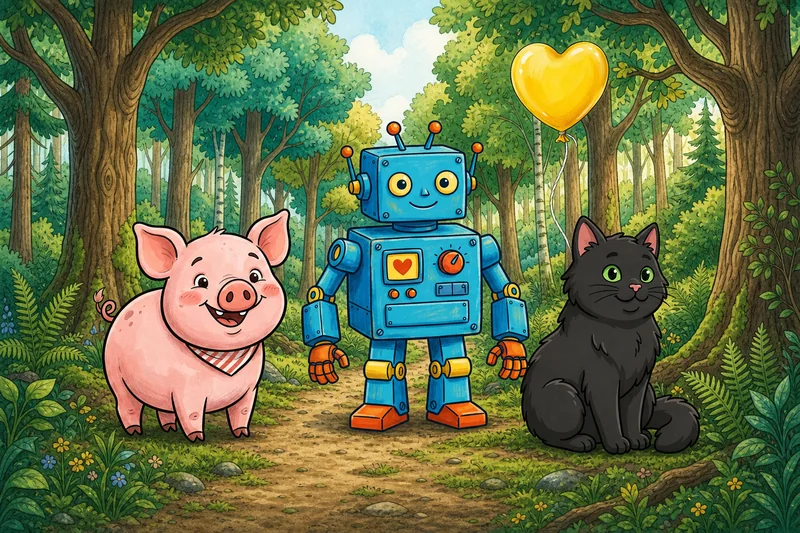
OPENAI
P✓ S✓ O✓ ⇆✓prompt sentDraw Suda (the character in image 1) on the left, Brizz (the character in image 2) on the right, Quib (the character in image 3) on the center, at Olwen (the setting in image 4), with Marn (the object in image 5). Use each reference image for the thing it depicts; keep each one’s exact appearance.
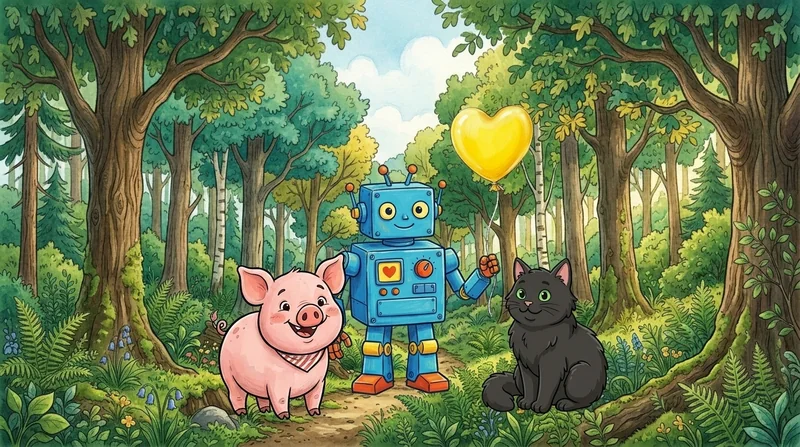
Gemini multipart
P✓ S✓ O✓ ⇆✓multipart request[Character — Suda:] [img] [Character — Brizz:] [img] [Character — Quib:] [img] [Setting — Olwen:] [img] [Object — Marn:] [img] ⟶ Draw Suda on the left, Brizz on the right, Quib on the center, at Olwen, with Marn. Keep each one’s exact appearance; do not add extra characters.
@-prompt across the bottom as a banner. Drop the @ (V2) and it invented a brown bear that was in none of the references. V3 and V4 both came back clean: the rewrite is what stops it hallucinating extra subjects and baking the instruction into the picture.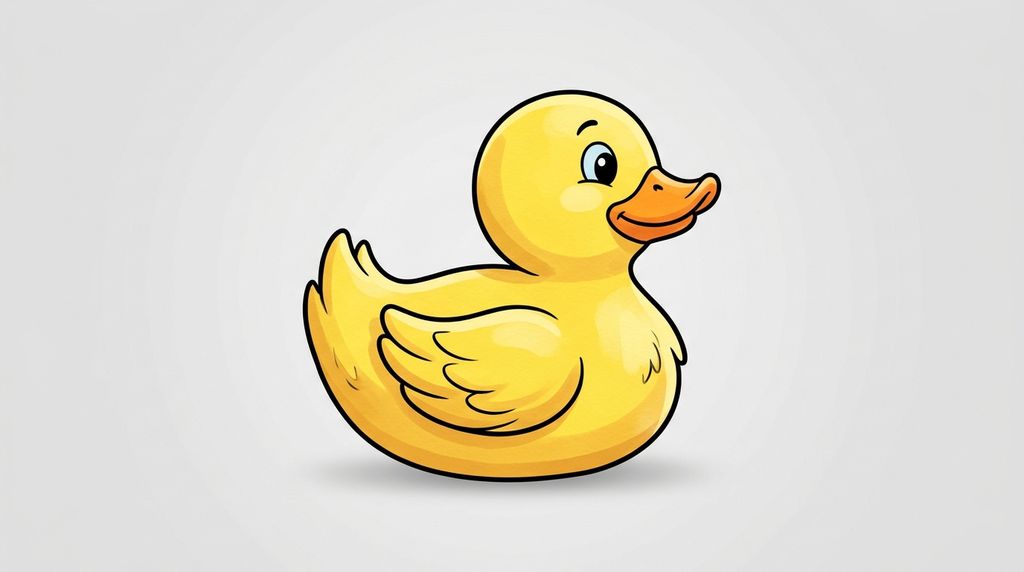


FLUX2_MAX
P✓ S✓ O✓ ⇆✗prompt sentDraw
@Glim on the right, @Drovo on the left, @Fendle on the center, at @Krell, with @Brizz.
FLUX2_MAX
P✓ S✓ O✓ ⇆✓prompt sentDraw Glim on the right, Drovo on the left, Fendle on the center, at Krell, with Brizz.
FLUX2_MAX
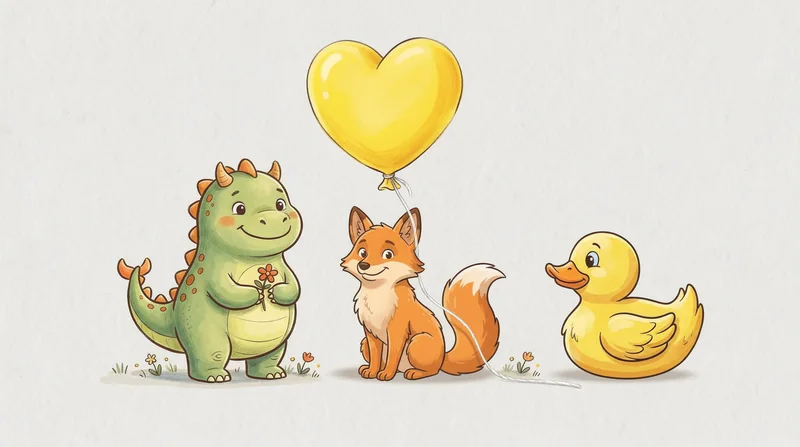
P✓ S✗ O✓ ⇆✓prompt sentDraw Glim (the character in image 1) on the right, Drovo (the character in image 2) on the left, Fendle (the character in image 3) on the center, at Krell (the setting in image 4), with Brizz (the object in image 5). Use each reference image for the thing it depicts; keep each one’s exact appearance.

Gemini multipart
P✓ S✓ O✓ ⇆✓multipart request[Character — Glim:] [img] [Character — Drovo:] [img] [Character — Fendle:] [img] [Setting — Krell:] [img] [Object — Brizz:] [img] ⟶ Draw Glim on the right, Drovo on the left, Fendle on the center, at Krell, with Brizz. Keep each one’s exact appearance; do not add extra characters.
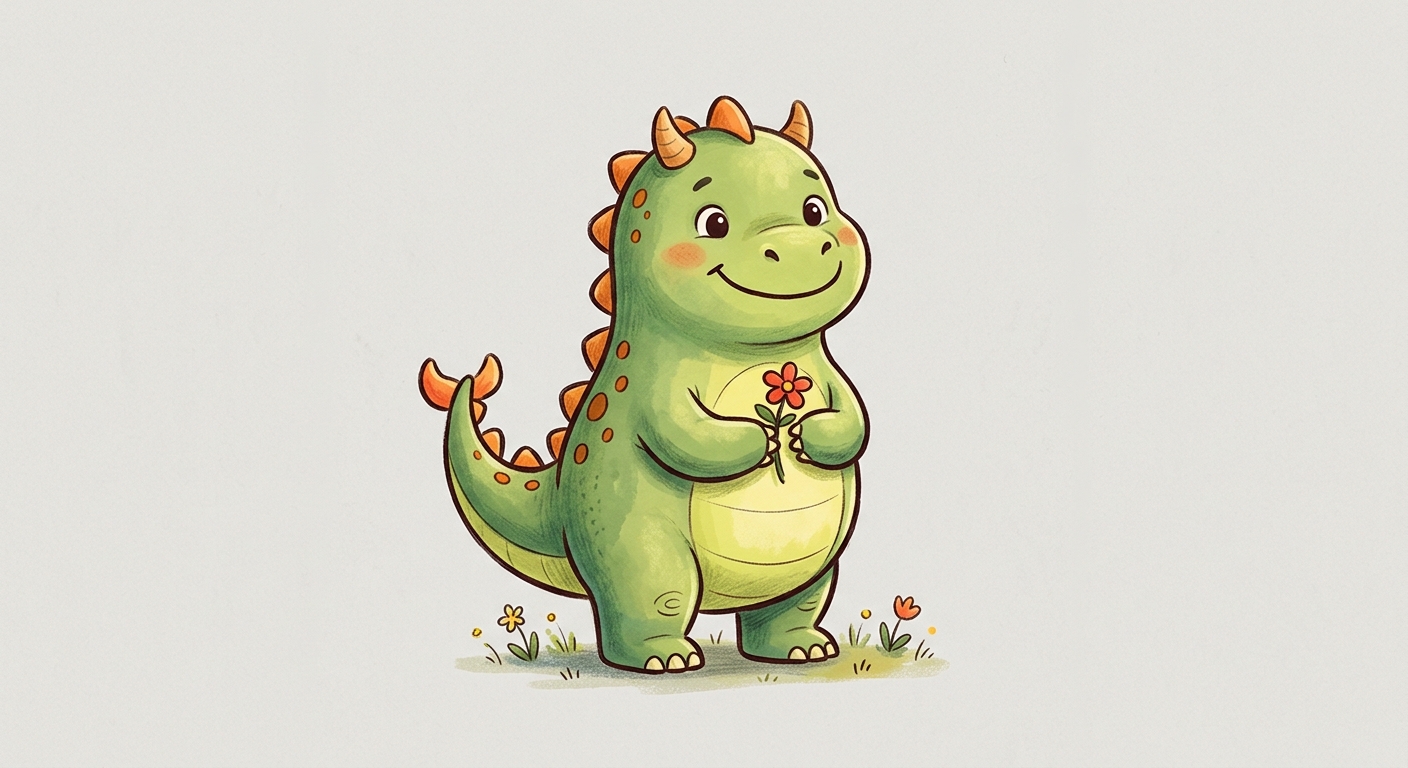
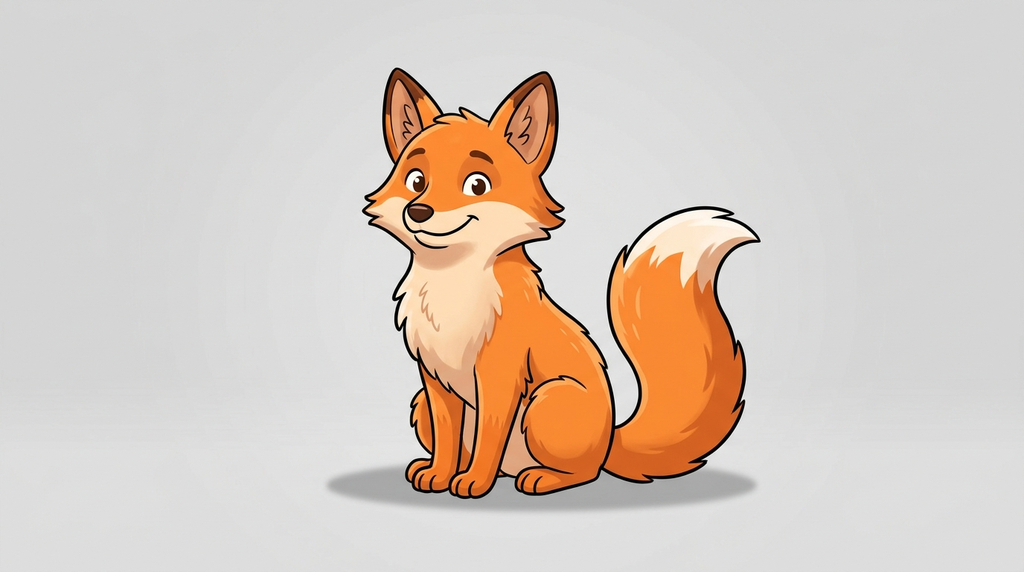
Three providers, three different failures — and one constant. Raw @ baked its own prompt into the OpenAI frame and swapped duck for fox on FLUX; bare labels conjured a bear from nowhere; even V3, the universal fix, dropped a character on Gemini and the whole city on FLUX. Only V4’s multipart captions came back clean on all three — which is exactly why we reach for it when the provider is Gemini, and why V3 (not V4) is the best we can ship everywhere else. Five references is where every shortcut shows its seams.
Identity is the easy half. V3 hits 98% on identity but only 78% on positions. “Pib on the left” still throws the model off even when it knows who Pib is. Knowing who doesn’t tell it where, and that’s a separate problem we haven’t cracked.
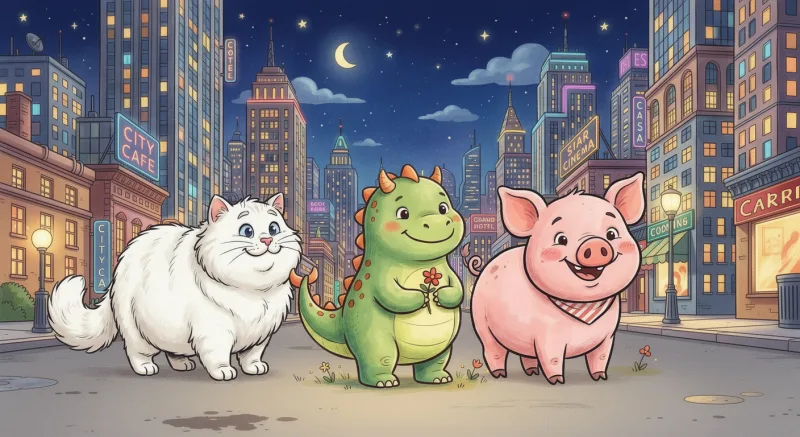
FLUX2_MAX
P✓ O— ⇆✗prompt sentDraw
@Drovo on the center, @Marn on the right, @Fendle on the left, at @Bompf.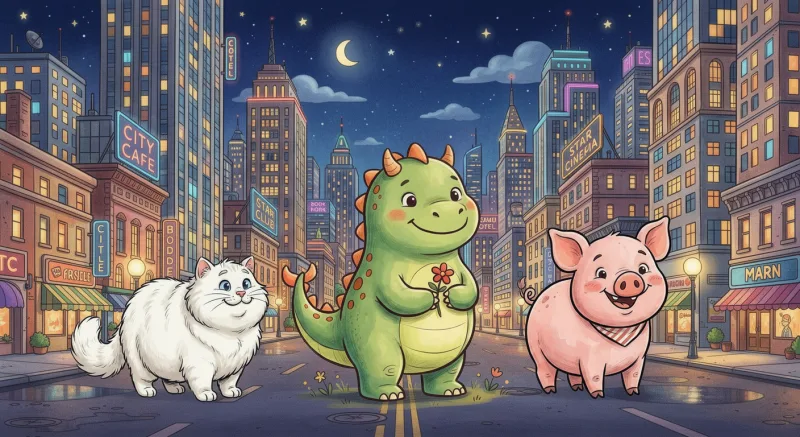
FLUX2_MAX
P✓ O— ⇆✗prompt sentDraw Drovo on the center, Marn on the right, Fendle on the left, at Bompf.
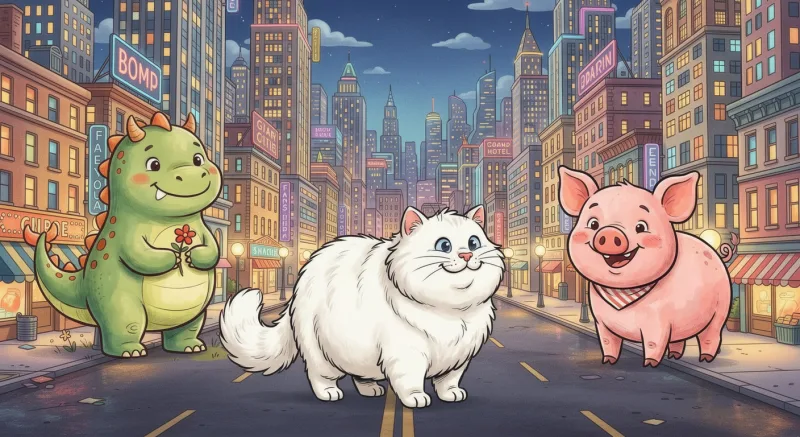
FLUX2_MAX
P✓ O— ⇆✓prompt sentDraw Drovo (the character in image 1) on the center, Marn (the character in image 2) on the right, Fendle (the character in image 3) on the left, at Bompf (the setting in image 4). Use each reference image for the thing it depicts; keep each one’s exact appearance.
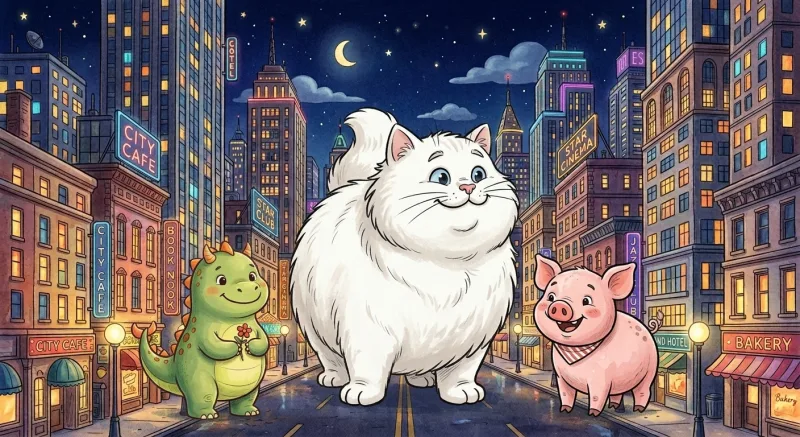
Gemini multipart
P✓ O— ⇆✓multipart request[Character — Drovo:] [img] [Character — Marn:] [img] [Character — Fendle:] [img] [Setting — Bompf:] [img] ⟶ Draw Drovo on the center, Marn on the right, Fendle on the left, at Bompf. Keep each one’s exact appearance; do not add extra characters.
Why this works
A multi-image model sees a flat list of attachments and a flat string of text. With a nonsense label and no other structure, it has to guess which name maps to which picture. “(The character in image N)” hands it two things at once: a role, so it knows the image is a character and not a background, and an index, so it knows which attachment to look at. That’s the whole trick.
V4 goes one step further. Instead of mentioning “image N” inside a flat prompt, it interleaves each ref’s caption directly with the image, in a multipart format. That’s a structural change to the API request, not a rewording, so it only works on providers that natively read multipart prompts. Today that means Gemini — which is what NANO_BANANA is under the hood. OpenAI’s gpt-image-2 edits endpoint and BFL’s FLUX both flatten the image array before reading the prompt, so the interleaving never reaches them. On Gemini, V4 reaches a perfect 100% / 100% (identity / positions), up from the 98% / 78% V3 manages fleet-wide.
Takeaway
There is no single prompt format that’s right for every image provider. V1 wins on NANO_BANANA, V2 wins on FLUX. Anyone shipping multi-image generation across more than one backend either branches per provider or finds phrasing both can read. V3 is that phrasing — 98% identity fleet-wide for two extra parentheticals, no architecture work involved.
The broader thing we learned: image models reward structure more than clever wording. The whole gap closed once we handed the model a role and an index — worth trying anywhere you’re stitching multiple references into a single prompt. V3 is what Blooper runs on every @-mention today; V4 layers on automatically when the provider is Gemini. Identity is mostly solved below five references; at five, V3 still tops out at 86% and only multipart reaches 100%. Positions still aren’t solved, except where the API gives us multipart.